
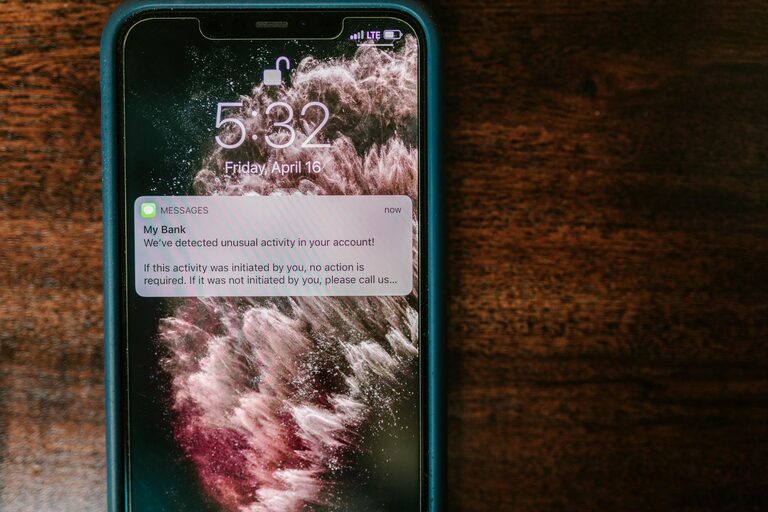
In today’s connected world, notifications can quickly become overwhelming. Every ping, buzz, or pop-up vies for your attention, often disrupting your focus and increasing stress. Setting boundaries with notifications is essential to maintain productivity and mental well-being. This guide offers practical tips to manage notifications effectively and create a healthier digital environment.
Why Setting Boundaries with Notifications Matters
Notifications are designed to capture your attention, but constant interruptions can affect your concentration and increase anxiety. Studies show that frequent interruptions reduce productivity and can impact mood negatively. By intentionally setting boundaries, you reclaim control over your time and focus.
Assess Your Current Notification Habits
Before making changes, it’s helpful to understand your current notification patterns:
– Which apps or devices send you the most notifications?
– How often do you check your phone or computer after receiving a notification?
– Do you find yourself anxious or distracted by frequent alerts?
Reflecting on these questions will help you identify which notifications are necessary and which you can limit or disable.
Tips for Setting Boundaries with Notifications
1. Customize Notification Settings
Most devices and apps allow you to customize notifications. Consider these adjustments:
– Turn off non-essential alerts: Disable notifications from apps that are not urgent or important.
– Use “Do Not Disturb” modes: Schedule times during work or rest periods when notifications are muted.
– Prioritize notifications: Set critical contacts or apps to bypass filters if needed.
2. Schedule Notification-Free Times
Establish specific periods during your day when you avoid checking notifications altogether. For example:
– Focus blocks: Dedicate 60–90 minutes for focused work without interruptions.
– Meal times: Keep devices away during meals to enjoy uninterrupted time with family or solo.
– Before bedtime: Avoid screens and notifications to promote better sleep.
3. Use Technology to Your Advantage
Take advantage of built-in tools designed to reduce distractions:
– Focus mode or app limiters: Many smartphones have modes that restrict app use or notifications during set periods.
– Notification summaries: Some operating systems allow you to batch notifications, so they only appear at designated times.
– Silent or vibration settings: Switch notifications to silent or vibrate to reduce noise-related interruptions.
4. Communicate Your Boundaries
Inform colleagues, friends, and family about your notification preferences to manage expectations:
– Let them know your “quiet hours” when you may not respond immediately.
– Encourage using appropriate communication channels for urgent matters.
– Set up status messages indicating limited availability.
5. Declutter Your Digital Space
Reducing overall app clutter helps minimize notifications:
– Uninstall unused apps that send alerts unnecessarily.
– Review app permissions and turn off notification access where possible.
– Organize apps into folders to reduce on-screen distractions.
6. Practice Mindful Engagement
Being mindful about notifications means:
– Checking notifications at intentional intervals rather than reacting instantly.
– Avoiding the habit of continuously checking your device for new alerts.
– Reflecting on the purpose and value of each notification before responding.
Benefits of Setting Notification Boundaries
By applying these strategies, you can expect several positive outcomes:
– Increased focus and productivity during work or study.
– Reduced stress and anxiety related to constant interruptions.
– Better work-life balance by controlling when and how you engage digitally.
– Improved sleep quality through limiting nighttime disruptions.
Wrap Up
Setting boundaries with notifications is a practical and effective way to take back control of your time and attention. Start by assessing your current habits, customize your settings, schedule notification-free times, and communicate your boundaries clearly. With consistent effort, you’ll experience less digital distraction and a greater sense of calm throughout your day.
Remember, technology is a tool meant to serve you—not the other way around. Managing notifications wisely helps ensure they remain helpful without becoming overwhelming. Give these tips a try and watch your focus improve!
